
Activate
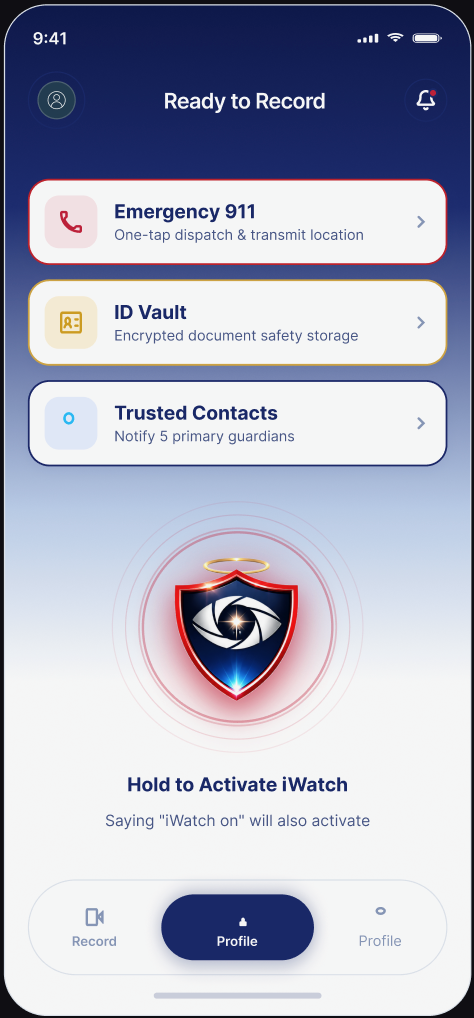
Trigger iWatch using the large in-app button or supported voice activation, such as saying “iWatch On.” Activation is designed to take as few screens and confirmations as reasonably possible.

Instantly activate video or audio recording when you feel unsafe and securely preserve important evidence with iWatch.
iWatch is preparing for release on iOS and Android. Join the launch list and we'll email you as soon as it is available.
See it in action
Hands-free or one touch, iWatch stays close enough to activate the moment something feels wrong — front camera rolling, the session timestamped, and quietly uploading in the background while you keep moving.
How iWatch works
When something feels wrong, you shouldn't have to think about menus. iWatch is designed to move from your pocket to recording in as few taps as possible.
Trigger iWatch using the large in-app button or supported voice activation, such as saying “iWatch On.” Activation is designed to take as few screens and confirmations as reasonably possible.
Begin a video or audio safety session. Recordings are time and date associated and attached to your account, with protection against accidental deletion.
When the session ends, the recording is uploaded to your protected account as soon as connectivity allows. iWatch only marks a recording as secured after the server confirms the upload finished.
Key features
Start a session hands-free with a spoken phrase such as “iWatch On,” for moments when reaching for a screen isn't practical. Customisable activation phrases are planned.
Front-facing camera capture with audio where legally permitted, time and date association, and secure attachment to your account.
A discreet alternative when video isn't appropriate or possible — same session flow, same secure upload.
Encryption in transit, visible upload progress, server confirmation, and retry and recovery after a connection is lost.
A highly visible 911 button that clearly explains what it does, including any confirmation your phone's operating system requires.
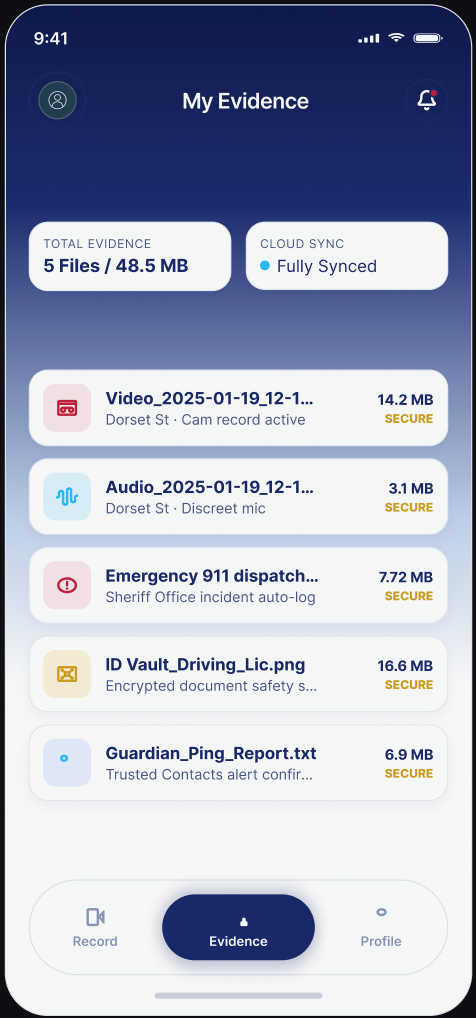
A private log of your safety sessions showing date, time, recording type, duration, upload status, file name and your own notes.
Account authentication with a 4-digit PIN for fast authorised access, with device biometrics and optional multi-factor authentication under consideration.
A secure area for your driver's licence or state ID, insurance details, vehicle information and emergency information.
Built for both major mobile platforms, with a website that works on phones, tablets, laptops and desktop computers.
Inside the app
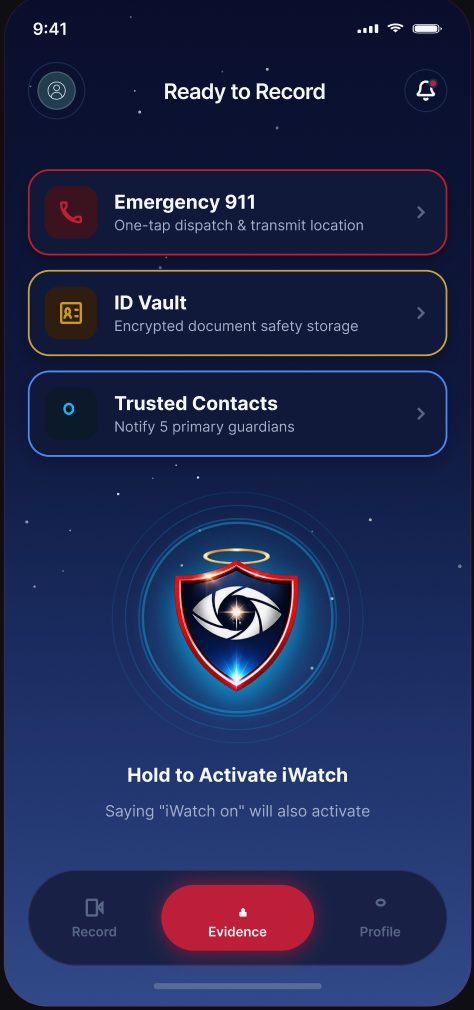
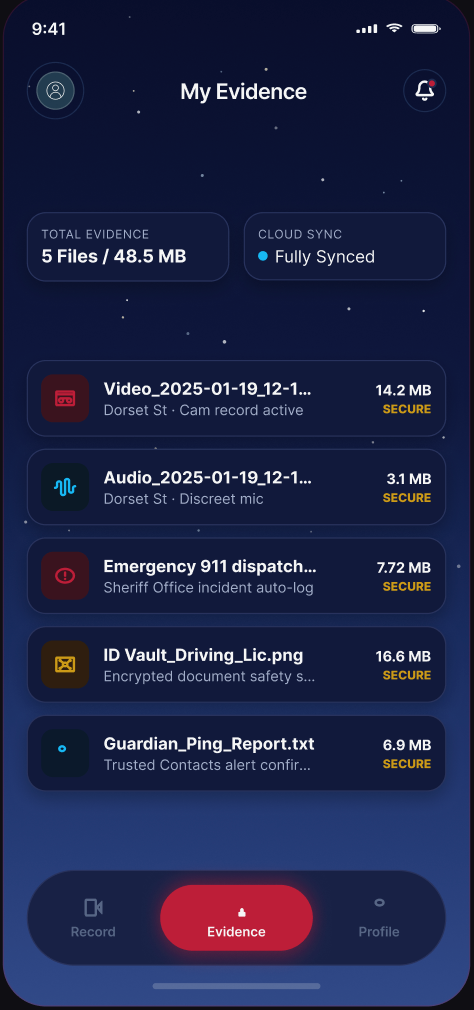
Swipe through the exact screens you'll use to activate a session, record safely, and find what you saved again — shown here in both light and dark theme.
Evidence you can rely on
Plenty of apps tell you everything is fine the moment you stop recording. iWatch is built the other way around: your session carries an honest status at every stage, and the word Secured is only used once the server has confirmed the upload completed.
If you lose signal mid-upload, the session is kept and the upload resumes when a connection returns.
Real-life situations
iWatch is designed for everyday situations where having a clear record of what happened matters — and where reaching for a complicated app isn't realistic.
iWatch is a documentation tool, not a guarantee of safety. It cannot prevent every emergency and it is not a replacement for emergency services. Recording laws vary by state and country, and you are responsible for complying with the laws that apply where you are.
Coming soon
The apps are on their way to the App Store and Google Play. Add your details and you'll be among the first to know when iWatch is available to download.
Store links will be published here as soon as the apps are approved.
Coming soon
Whether you're an individual, a parent, or an organisation looking at iWatch for a group, we're happy to talk it through.
iWatch is a personal-safety and evidence-documentation technology platform. iWatch does not guarantee the prevention of crime, injury, assault or other emergencies and is not a replacement for emergency services. Recording and privacy laws differ by jurisdiction, and users are responsible for complying with the laws that apply to them. In an emergency, contact 911 or the appropriate local emergency service whenever it is safe and possible to do so.